
How to setup IPTV on Fire TV Stick
1: From the home screen of your device, hover over the Find option.
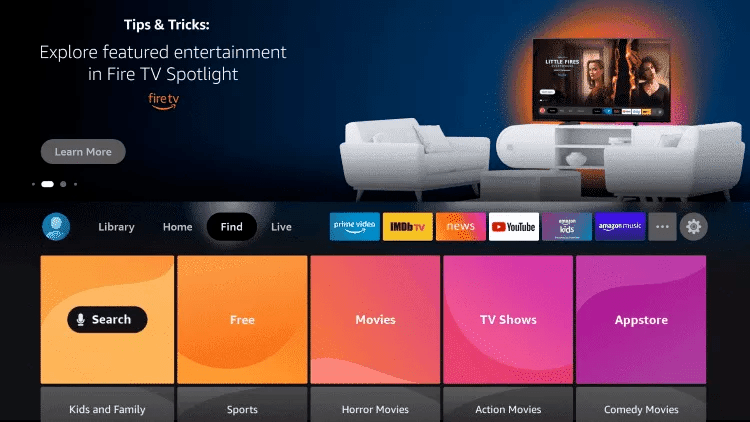
2. Click Search.
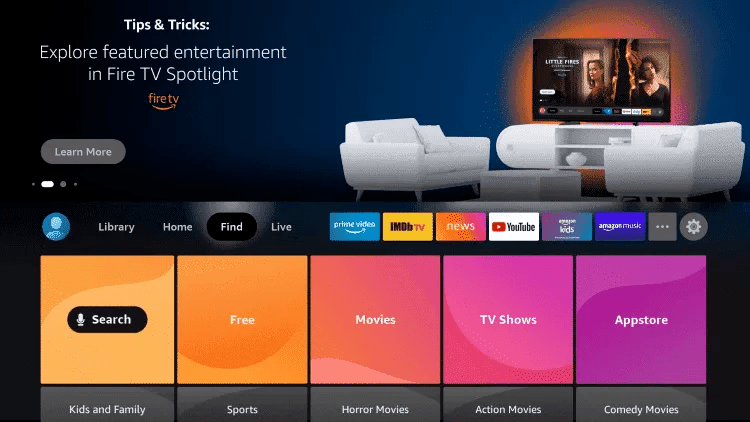
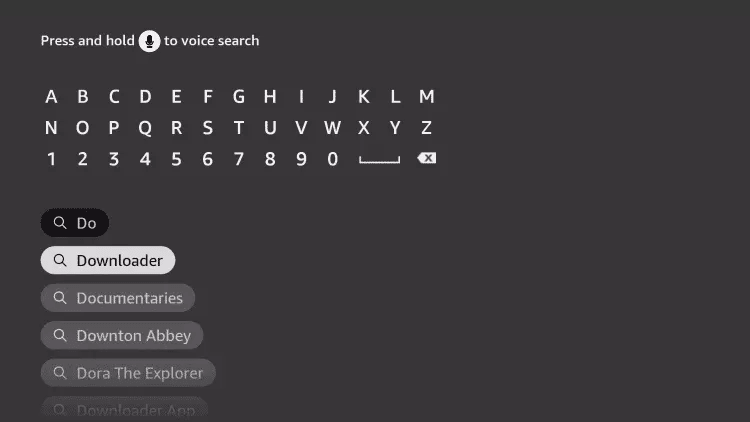
3. Search for and select Downloader.
4. Choose the Downloader app.
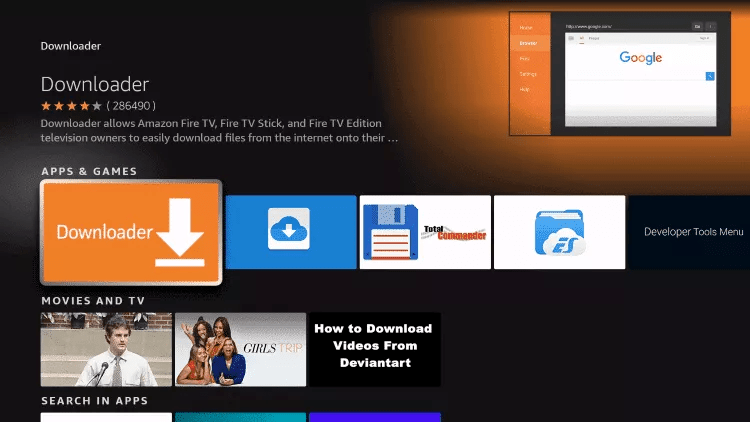
5. Click Download.
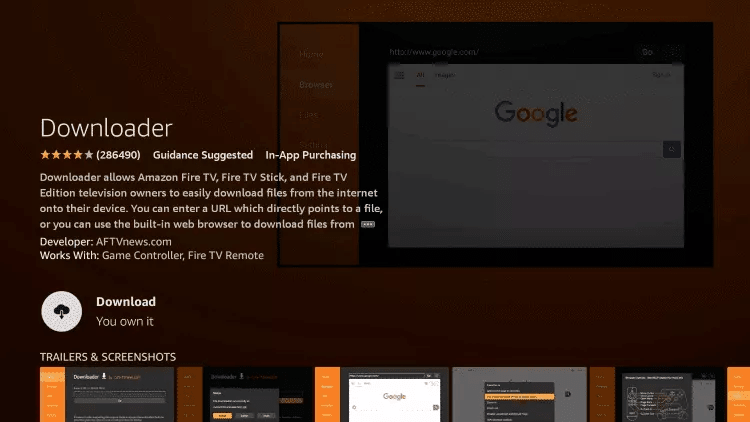
6. Once the app finishes installing click Open.
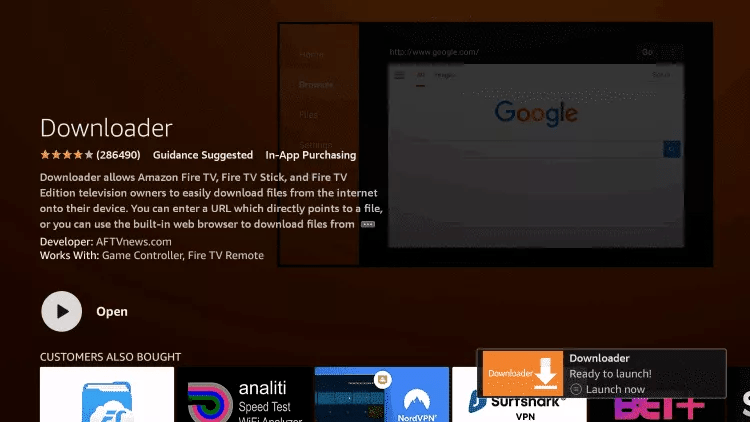
7. Return to the home screen and open Settings.
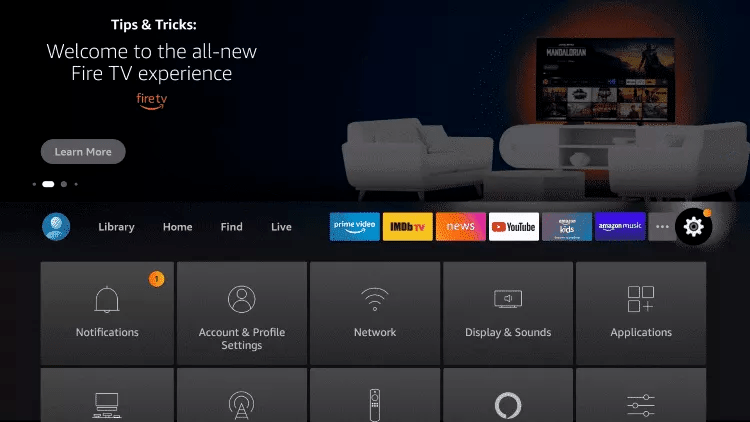
8. Click My Fire TV.

9. Choose Developer options.
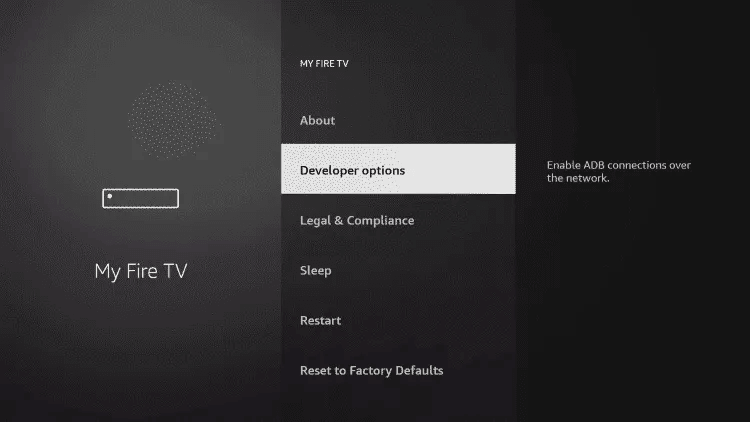
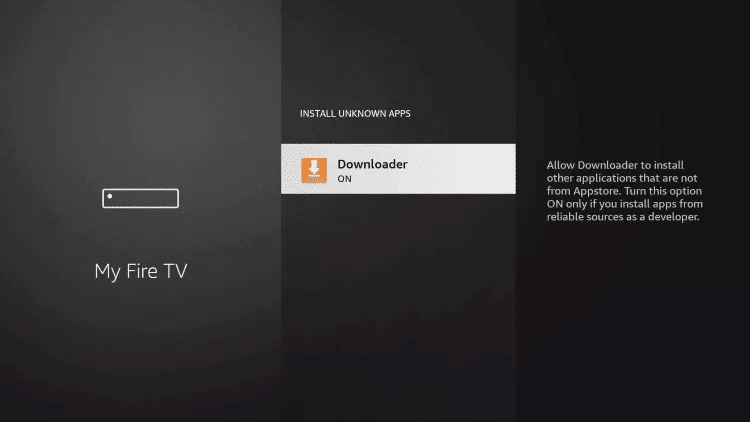
10. Click Install unknown apps.

11. Find the Downloader app and click it.

12. This will turn Unknown Sources to On for the Downloader app. This will enable side-loading on your device.
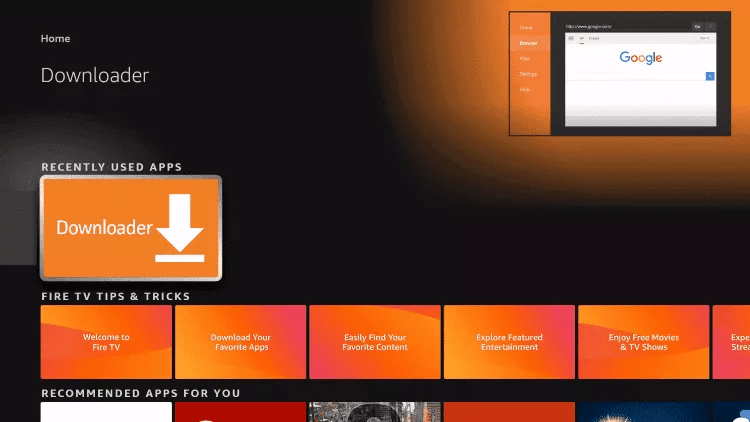
13. Launch Downloader.
14. Click Allow.

15. Click OK.

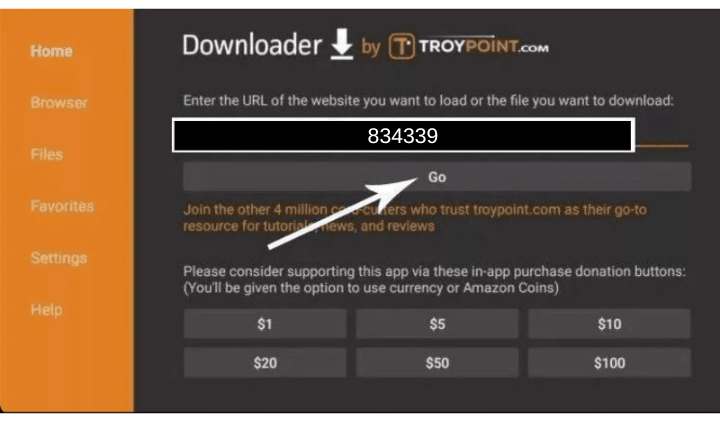
16. Type the following URL exactly as shown here: 834339
and click Go.
17. Wait for file to download.

18. Click Install.

19. Click Done.

20. Open the IBO Pro Player app and send us a photo like the one below, showing the MAC Address and Device Key clearly, via WhatsApp using this link: https://wa.me/16467571865 so we can add you to your subscription.

N.B: IBO Pro Player and IBO Player are standalone players that require a playlist to function. We do not sell playlists separately, only IBO.
- IBO Subscription: $9.99/year with a 7-day free trial.
- Free Alternatives: Players like IPTV Smarters are available, but we recommend IBO for a better experience.
How to Get IBO:
- If you like IBO, purchase the license for $9.99/year via Whatsapp
- If you buy a plan of at least 3 months, IBO is included for free for the entire year, with no extra cost.
Enjoy the best IPTV experience with IBO!
Step 1: You can download SetIPTV / NetIPTV / Smart IPTV from your TV store on Samsung, LG …
Step 2: After the installation, open the app the you will find MAC Address on screen
EX : 

Step 3: Send us the MAC address via Whatsapp/Email/Live Chat
Step 4: After few minutes, restart/reboot your TV and Open the app
Done
How to setup IPTV on Android with Ibo Pro Player or Ibo Player
Step 1: Start by downloading IBO PRO PLAYER or IBO PLAYER through these URL :
IBO Pro Player : https://iboplayer.pro/
IBO Player : https://iboiptv.com/
Step 2: Open the app and send a photo showing the MAC Address and Device Key clearly via WhatsApp using this link: https://wa.me/16467571865, so we can add you to your subscription.
N.B: IBO Pro Player and IBO Player are standalone players that require a playlist to function. We do not sell playlists separately, only IBO.
- IBO Subscription: $9.99/year with a 7-day free trial.
- Free Alternatives: Players like IPTV Smarters are available, but we recommend IBO for a better experience.
How to Get IBO:
- If you like IBO, purchase the license for $9.99/year via this link: https://iptvzoo.org/ibo-pro-ibo-player-license.
- If you buy a plan of at least 3 months, IBO is included for free for the entire year, with no extra cost.
Enjoy the best IPTV experience with IBO!
How To Setup IPTV On Apple/IOS With Ibo Pro Player or Ibo Player
Step 1: Start by downloading IBO PRO PLAYER or IBO PLAYER through these URL :
IBO Pro Player : https://apps.apple.com/us/app/ibo-pro-player/id6449647925
IBO Player : https://apps.apple.com/us/app/ibo-player/id1547652240
Step 2: Open the app and send a photo showing the MAC Address and Device Key clearly via WhatsApp using this link: https://wa.me/16467571865, so we can add you to your subscription.
N.B: IBO Pro Player and IBO Player are standalone players that require a playlist to function. We do not sell playlists separately, only IBO.
- IBO Subscription: $9.99/year with a 7-day free trial.
- Free Alternatives: Players like IPTV Smarters are available, but we recommend IBO for a better experience.
How to Get IBO:
- If you like IBO, purchase the license for $9.99/year via this link: https://iptvzoo.org/ibo-pro-ibo-player-license.
- If you buy a plan of at least 3 months, IBO is included for free for the entire year, with no extra cost.
Enjoy the best IPTV experience with IBO!
Windows Method:
Download IPTV Smarters app through this URL : https://www.iptvsmarters.com/download?download=windows
MAC Method:
Download IPTV Smarters app through this URL : https://www.iptvsmarters.com/download?download=mac
Step 1:
Send us the MAC Address of your MAG via Whatsapp/Email
Step 2:
After making the payment, we will send you the portal link